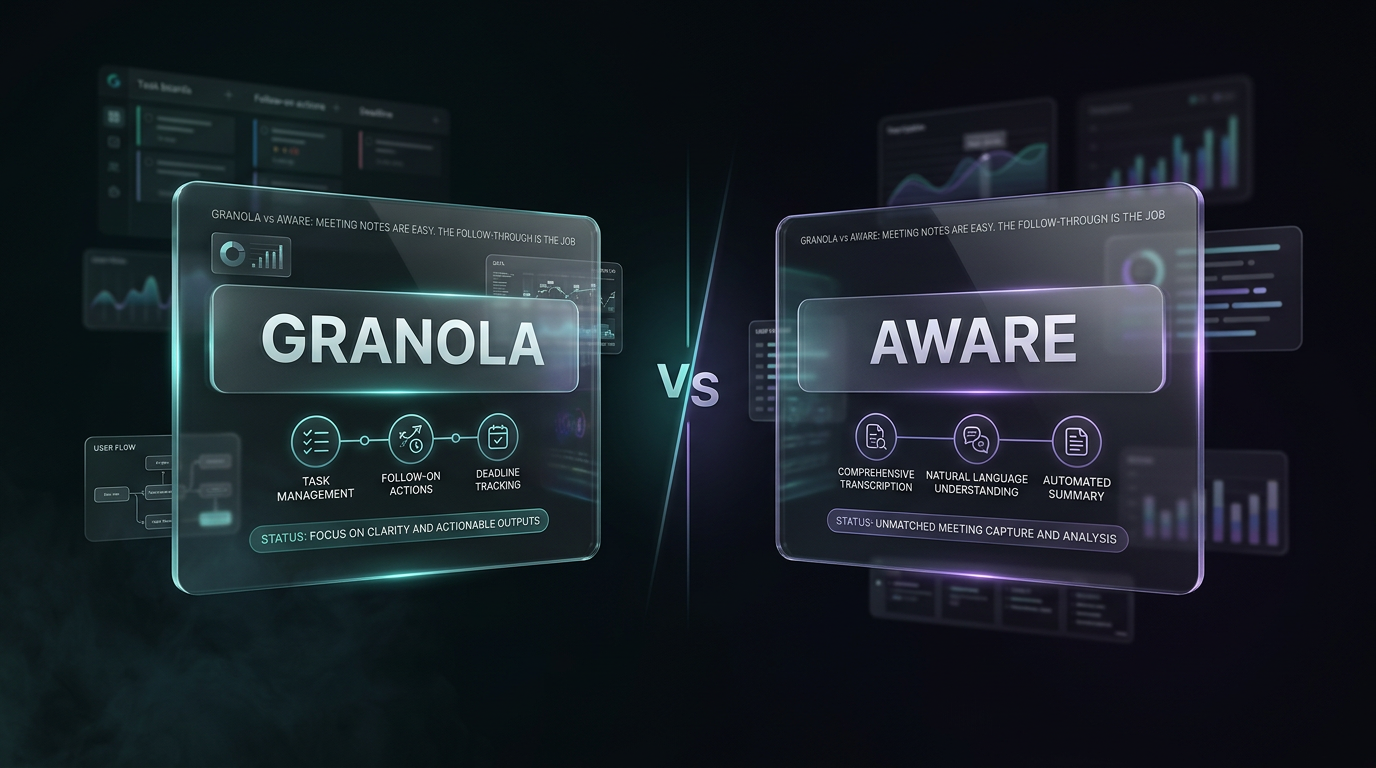
Granola vs Aware: Meeting Notes Are Easy. The Follow-Through Is the Job.
The perfect AI-generated meeting summary is a beautiful, useless artifact
By Kris Groves
The perfect AI-generated meeting summary is a beautiful, useless artifact.
It sits in your inbox, a perfectly formatted transcript of commitments you will forget and action items you will manually copy-paste somewhere else. Tools like Granola AI have mastered this part of the job. The problem is, that’s the easy part. The real work is what comes after.
The central question in the granola vs aware debate isn't about the quality of the transcript. It's about what the system empowers you to do with it. One gives you a record of what was said. The other helps you get the resulting work done.
Notes are table stakes
Let’s be clear: getting an accurate transcript and summary of a meeting is a solved problem. Dozens of tools, Granola AI included, can join your call, listen attentively, and produce a decent summary. They can separate speakers, identify keywords, and give you a searchable log of the conversation.
This is, and we say this with no malice, table stakes. It’s the minimum expected functionality of any tool that calls itself an AI meeting notes assistant in the current year. Having an AI that can type what it hears is no longer a breakthrough.
Frankly, we’d be embarrassed if that’s all our platform did. A meeting summary on its own is just a receipt for time you can’t get back. It proves a conversation happened. It does nothing to advance the work that conversation was meant to generate.
So what happens next?
The meeting ends. The little recording bot signs off. A few minutes later, an email from Granola arrives. You scan the summary and the list of action items it cleverly identified. Now what?
Your cursor hovers. You begin the manual, soul-sucking ritual of post-meeting administration. You copy the first action item. You switch tabs to your project management tool. You create a new task, assign it, set a due date, and paste in the context. You switch back to your email. You copy the next action item. Repeat.
Then you open a blank composer to draft the follow-up email, re-summarizing the summary you just received. This isn't high-value work. It’s digital manual labor. The transcript didn't save you work; it just organized the new work you have to do.
The granola vs aware distinction
The difference between a point solution and a true operating layer becomes painfully obvious the second the meeting ends. One clocks out. The other gets to work.
Granola’s scope: the meeting
Granola is a meeting-focused utility. Its operational context begins when the call starts and ends when the transcript is delivered. It is, by design, temporary and transactional. It has no memory of the meeting before this one, and no awareness of the project this meeting is part of.
This is not a flaw in its execution, but a fundamental limitation of its category. It’s one of many potential granola alternatives that treat the meeting as an isolated event. This is a flawed premise.
Aware’s scope: your entire workday
Aware is an ambient AI operating layer. The meeting is just one data point in a continuous stream of context. Aware doesn't just hear the meeting; it understands it in relation to your emails, your documents, your projects, and your priorities.
When Aware processes a meeting, it’s not just generating notes. It’s updating its model of your work. It sees that an action item from the call relates to a specific project already in your Aware workspace. It sees that a person mentioned on the call is a new stakeholder, and cross-references them with your contacts. Aware doesn’t give you a list of chores; it helps you execute the work.
From passive artifact to active agent
A transcript is passive. It sits there, waiting for you to do something with it. Aware is active. It takes the initiative.
A perfect transcript of a meeting you forgot to follow up on is just a well-formatted tombstone for a dead project.
Instead of just listing an action item, Aware can automatically queue up a draft task in the correct project space, with the deadline and owner already assigned based on the conversation. It doesn't just note that you promised to send a follow-up; it drafts the follow-up email for you, referencing key decisions and attaching the relevant files it already knows about.
An AI notetaker might tell you:
- Jane needs to send the revised proposal by Friday.
Aware understands this as a series of connected concepts and can take action:
- Recognizes "Jane" as a specific contact.
- Creates a task: "Send revised proposal to Jane," assigns it to you, and sets the due date for Friday.
- Locates the file named "proposal_v2.docx" that was discussed and attaches it to the task for reference.
- Drafts an email to your team: "Per our call, the final proposal is due to Jane by EOD Friday. I've created a task to track this."
One is a secretary. The other is a chief of staff.
The problem with point solutions
The market is flooded with single-purpose AI tools. You have your AI notetaker, your AI email drafter, your AI slide deck generator, and your AI scheduler. Each is a silo. Each requires its own setup, its own context, and its own cognitive load to manage.
This creates a "tool-switching tax" that negates much of the promised efficiency. The workflow for anyone relying on these disparate tools, including Granola AI, looks something like this:
- Use the AI notetaker to record the meeting.
- Receive the summary.
- Manually copy-paste action items from the summary into your actual task manager (Asana, Notion, Todoist, etc.).
- Open your email client and a separate AI writing assistant to draft the follow-up, feeding it context from the summary you just received.
- Navigate to your cloud drive to find the files mentioned and attach them.
- Remember to update the project wiki with the decisions made on the call.
This isn’t an integrated workflow. It’s a collection of digital errands. Aware replaces this entire chain of fractured, manual actions with a single, intelligent layer that handles the handoffs for you.
Context is the only thing that matters
Ultimately, the ability to do this comes down to one thing: context.
A temporary bot that joins a call for 60 minutes has zero context. It doesn't know the history of the project, the personalities of the stakeholders, or the deadline looming next week. It can only report on the words spoken within its brief, isolated window of awareness.
Aware is different because it is persistent. It’s an operating layer that lives with you throughout your workday. It sees the email you received this morning, the document you edited yesterday, and the meeting you have scheduled for tomorrow. This deep, longitudinal context is what allows it to move beyond simple transcription and perform meaningful work. It doesn’t just record your work; it understands your work. It knows what needs to happen next because it knows everything that happened before.
The choice in the granola vs aware comparison isn't about which tool makes prettier notes. It's about whether you want a stenographer or a partner. One gives you a report of the meeting. The other helps you win the week.
We made our choice. Now you can make yours. See what 'handled' actually feels like by giving Aware a try.