
Morgen vs Motion vs Aware: The Honest Calendar AI Comparison
The search for the best AI calendar often feels like a trap. You want a tool to save you time, but you end up spending weeks testing platforms that promise revolution and…
By Kris Groves
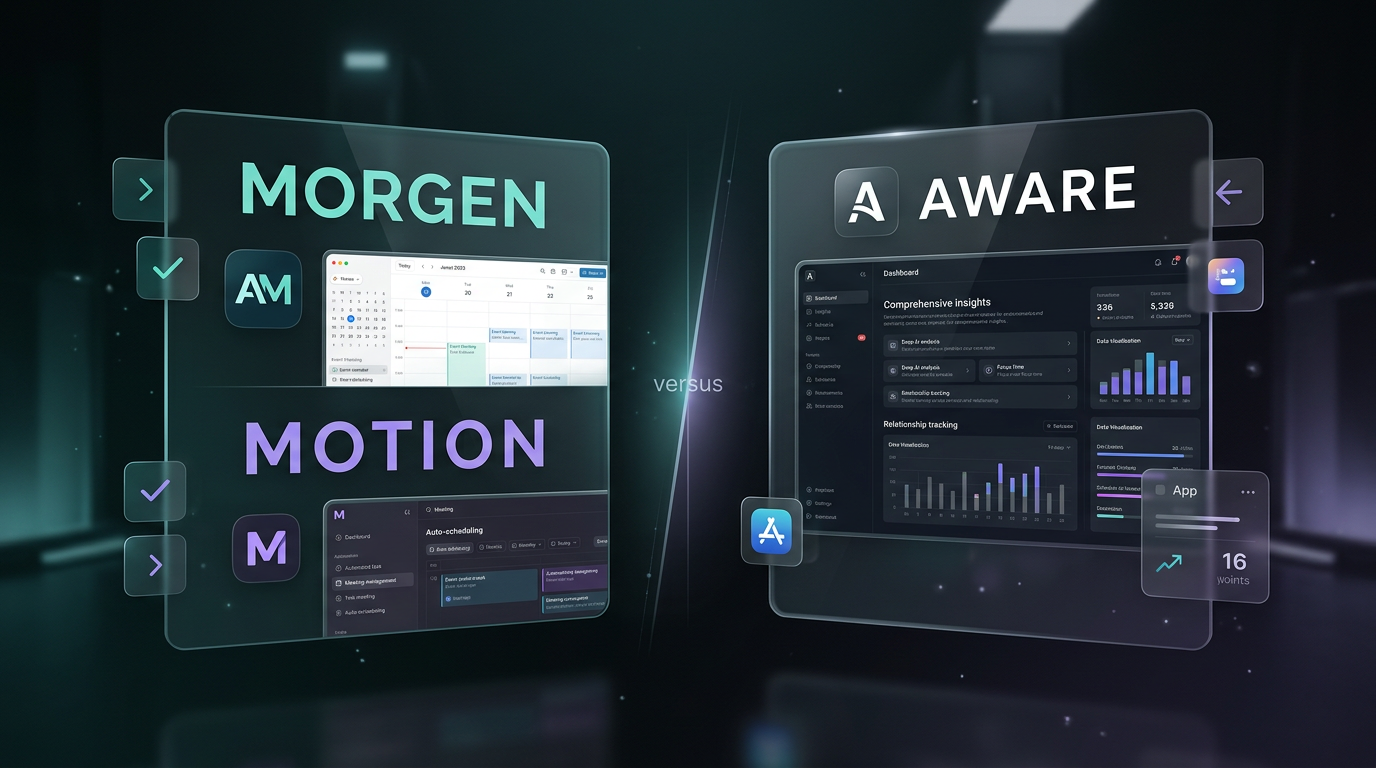
The search for the best AI calendar often feels like a trap. You want a tool to save you time, but you end up spending weeks testing platforms that promise revolution and deliver a slightly fancier to-do list. This isn't another hype piece; it's an honest comparison of Morgen vs Motion vs Aware for busy professionals who just want something that works.
The core problem is that most "AI" tools are just complex rule engines masquerading as intelligence. They offer to automate your schedule but create a new layer of digital bureaucracy to manage. Let's cut through that and look at the fundamental differences in philosophy and execution.
The core philosophies are different
Your choice of calendar tool is a choice of how you want to work. Each of these platforms is built on a distinct and powerful opinion about time, tasks, and productivity. Understanding that opinion is the first step to finding the right fit.
Motion’s rigid taskmaster
Motion believes your day is a math problem to be solved. Its core premise is auto-scheduling. You feed it tasks, constraints, and deadlines, and its algorithm builds a detailed, color-coded plan for your entire day. It treats your calendar like a game of Tetris, slotting in blocks of work wherever they fit.
This is for people who want to outsource all scheduling decisions. If you trust the algorithm completely and can stick to the plan, it can feel magical. The downside is its rigidity. A single unexpected call or a meeting that runs long can shatter the carefully constructed schedule, forcing a complete, and sometimes jarring, recalculation.
Morgen’s central command hub
The Morgen calendar has a different goal: consolidation. It aims to be the one place you look for everything. It pulls in your calendars from Google, Outlook, and others, and integrates with a wide variety of task managers like Todoist and project tools like Notion.
Its intelligence is focused on creating a unified view and facilitating actions, like easily sharing availability or joining meetings. It’s less about an AI telling you what to do and more about giving you a powerful dashboard to make your own decisions. It’s an exceptional calendar client with smart features, but the heavy lifting of prioritization and planning still rests largely on you.
Aware’s ambient operating layer
Aware operates on the principle of ambient assistance. It’s not a taskmaster or just a hub; it’s an intelligent layer that runs in the background. It connects to your calendar, email, and other tools to build a deep, contextual understanding of your work. It doesn’t just see "Prep for Acme meeting," it sees the email thread that scheduled it, the people attending, and the documents attached.
Instead of rigidly scheduling your day, Aware suggests actions, prepares briefings, and surfaces what’s important. It’s designed to reduce your cognitive load by handling the small things, so you can focus on the big ones. It assists, it doesn't command.
The Morgen vs Motion AI scheduling debate
The most heated part of any AI calendar comparison comes down to scheduling. This is where Morgen vs Motion present two starkly different approaches to organizing your tasks and time, with Aware offering a third way entirely.
Motion's AI is prescriptive and all-encompassing. It's the central feature. You don't just add tasks; you submit them to the algorithm for placement. It decides for you when you should work on that presentation. This is the "hard AI" approach.
The Morgen calendar, by contrast, is more of a manual tool with smart assists. It has excellent features for creating booking links and finding time for meetings, but it doesn't automatically plan your entire task list onto your calendar. You drag and drop tasks yourself. It's an AI-assisted manual process.
Aware's approach is contextual. It knows a task like "Review Q3 proposal" isn't a 60-minute monolith. It understands that requires finding documents, reading, and composing feedback. Aware helps you block time for the actual work, not just the line item on your to-do list, and it does so with suggestions you can accept or ignore.
Most "AI schedulers" are just complex rule engines. They schedule a task, you ignore it, and they reschedule it. That's not intelligence; it's digital nagging.
True assistance comes from understanding the why behind a task, not just playing calendar Tetris.
How they handle tasks and projects
A calendar is useless if it’s disconnected from the actual work you need to do. How each tool integrates tasks is a critical differentiator.
With Motion, tasks and projects are first-class citizens, but only so they can be fed into the scheduling algorithm. The project management features are functional but exist primarily to support the auto-scheduler. Everything is a block of time to be placed on the calendar.
Morgen relies on its integrations. This is great if you already have a system you love, like Asana or Trello. Your tasks appear in a sidebar next to your calendar, and you can drag them onto your schedule to block time. It keeps your task manager as the source of truth, but this can also feel a bit disconnected.
Aware treats tasks and projects as flows of work. It’s built on the idea that work isn't a series of discrete, unrelated items. Here’s how it differs:
- Context is native. A project in Aware automatically links related emails, meetings, and notes. There’s no manual tagging required.
- Dependencies are understood. It knows that you can't "send contract" until "draft contract" is complete. Its planning suggestions respect this reality.
- Focus is on intent. Instead of just scheduling a task, Aware helps you accomplish an outcome. It prepares what you need, when you need it.
This approach is fundamentally more holistic. It's less about managing a list and more about moving work forward.
The user experience and interface
How a tool feels to use day-to-day matters more than any single feature. A clunky interface will kill productivity faster than a poorly planned schedule.
Motion is dense. Because its algorithm is so central, the platform requires a lot of initial setup and ongoing input to work correctly. The interface is packed with options, priorities, and settings. Committing to Motion means committing to its specific, highly structured way of working.
Morgen is clean and familiar. If you've used Fantastical or a modern calendar app, you'll feel right at home. It’s intuitive and well-designed, focusing on making the core job of managing a calendar pleasant and efficient. Its learning curve is minimal.
Aware is designed to be barely there. The primary interface isn't a complex calendar view, but a simple, powerful inbox that surfaces what you need to know or do. There is no deep configuration required. After connecting your accounts, it starts working. The goal is to spend less time in the tool, not more.
Choosing the best AI calendar for you
Ultimately, there is no single "best AI calendar." There is only the best one for your specific needs, workflow, and tolerance for algorithmic control.
Your choice boils down to a simple question of philosophy:
- Choose Motion if you want a rigid system to take over your scheduling entirely and you're willing to live inside its structured world.
- Choose Morgen if you want a powerful, elegant hub to view all your calendars and task lists in one place, maintaining manual control.
- Choose Aware if you want an intelligent assistant that works in the background to reduce your cognitive load, prepare you for your day, and proactively handle the small stuff.
The discussion around Morgen vs Motion often centers on who has the better auto-scheduler. We think that's the wrong conversation. The future isn't a robot overlord meticulously planning every minute of your day. It’s quiet, effective assistance that gives you back your focus and your time.
If you’re tired of calendar apps that just create more management work, it may be time for a layer that actually gets things done. You can see what 'handled' actually feels like and decide for yourself.