
Motion Alternatives in 2026: What Actually Works When You Have a Real Job
The promise of the AI calendar was a neat, orderly life where every task magically finds its perfect time slot
By Kris Groves
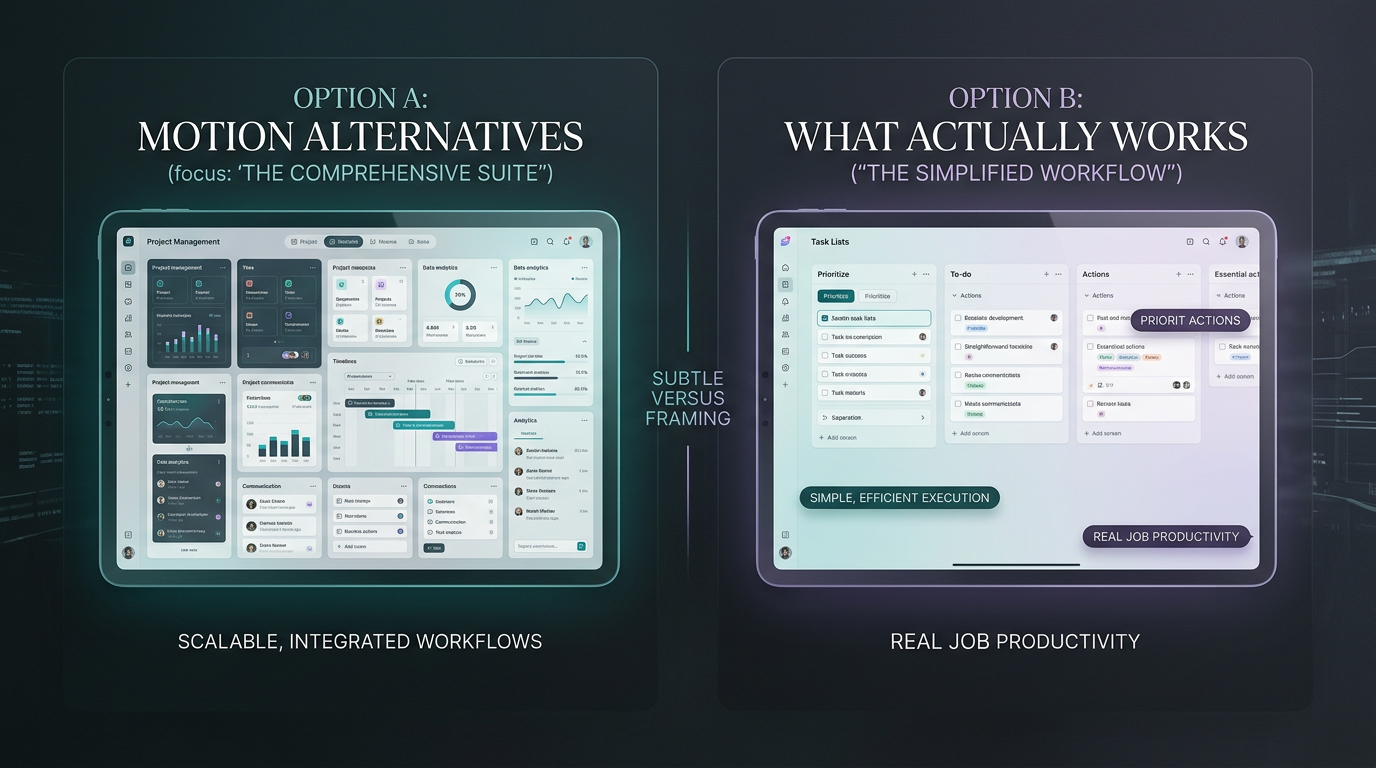
The promise of the AI calendar was a neat, orderly life where every task magically finds its perfect time slot.
The reality, for anyone with a non-trivial job, is a fragile game of Tetris, where one unexpected meeting or urgent request topples the whole system. The search for Motion alternatives isn't just about finding a new app; it's about admitting the entire auto-scheduling model is built for a job that doesn't exist. You need a tool that works in the real world, not a productivity influencer's fantasy.
The problem with auto-scheduling everything
The core idea behind Motion and many apps like motion is that your primary problem is poor time management. The proposed solution: an algorithm will solve this by force-feeding your to-do list into the empty slots on your calendar.
This falls apart as soon as you interact with other human beings. A rigid, auto-scheduled calendar can't account for a client's "quick question" that becomes a two-hour fire drill. It doesn't understand that the 30-minute block for "Review Q3 Deck" is useless when your boss DMs you a link to a completely new template five minutes before.
The result is a day spent fighting your own calendar, constantly re-shuffling and re-prioritizing tasks the algorithm so confidently placed. You spend more time managing the management tool than doing the actual work. It’s a solution in search of a problem.
A quick survey of other motion ai alternatives
The market is full of tools that claim to solve this, but most are just different flavors of the same core issue. They offer a better interface for managing a flawed process.
Task-based schedulers
Tools like Reclaim.ai or Sunsama are excellent at what they do: defending your time. They help you carve out blocks for habits and tasks, creating a stronger boundary between your focus time and the onslaught of meetings.
But they're fundamentally defensive. They still require you to manually input your tasks, and they operate within the silo of your own calendar. They organize your known work but can't help you triage the unknown work flying at you from Slack, email, and texts. They build a wall, but the work is already inside the gates.
Project management hybrids
At the other end of the spectrum are tools like Asana, ClickUp, and Monday.com. These are powerful databases for projects, but their attempts to integrate calendar scheduling are often clumsy and bolted-on.
Connecting them to your calendar just adds another firehose of notifications and blocks. It turns your calendar into a public-facing report of the project plan, not a functional tool for your actual day. You’re now managing a project database and a calendar that reflects it, doubling the administrative work instead of reducing it.
What a "real job" actually looks like
The disconnect happens because most ai calendar app developers don't seem to understand the texture of modern work for an operator, founder, or busy freelancer.
Your day isn't a list of discrete tasks to be checked off. It's a chaotic stream of inbound signals that need to be captured, parsed, and acted upon. A single email can contain a request, a reference document, and a question. A Slack thread can spawn three action items assigned to two different people. A meeting ends with a verbal agreement that exists nowhere in writing.
This is the real work. It's messy, collaborative, and happens across a dozen different applications. The most important tasks are rarely the ones you put on your to-do list this morning. They're the ones that just landed in your inbox from the CEO.
The goal isn't a perfectly color-coded calendar. The goal is shipping the work, handling the client, and not losing your mind in the process.
A tool that requires you to stop, open a separate app, and manually transcribe the work from where it lives is a tool that fundamentally misunderstands the job.
It's not about tasks, it's about intent
The failure of the auto-scheduling paradigm is its focus on the "task" as the atomic unit of work. The real unit of work is "intent."
An intent is a signal, in any medium, that requires a future action. The problem isn't scheduling the tasks; it's the high-friction, manual labor of identifying intents and converting them into tasks in the first place. You are the human API, translating signals from one system to another.
Consider the flow of work:
- An email arrives from a customer with a bug report. The intent is "investigate and respond."
- A colleague drops a link in Slack and says, "Can you review this?" The intent is "provide feedback."
- During a Zoom call, you say, "I'll send over the proposal by EOD." The intent is "create and send proposal."
None of these start as a "task" in a project management app. Finding effective Motion alternatives means looking for a system that can capture these intents at their source, without you needing to do the translation. It needs to understand the context, the priority, and the content of the work where it happens.
The ambient approach to getting it done
This is why we built Aware. It’s not another task manager or AI calendar. It’s an ambient AI operating layer.
That isn't marketing jargon. It means Aware operates in the background, integrating with the tools you already use—your email, your Slack, your calendar—to understand your work. It sees the intent as it happens. It doesn't ask you to log your work; it observes your work.
- When a client emails you asking for a new contract, Aware sees it, understands the urgency, and surfaces it as a prioritized item.
- When a teammate assigns something to you in a Slack huddle, Aware captures that commitment without you lifting a finger.
- It doesn't just block time on your calendar. It equips you with the context you need to act on that time—the relevant email thread, the Slack conversation, the document link—all in one place.
This ambient approach means the system adapts to your workflow, not the other way around. It moves at the speed of your work, not the speed of your ability to update a to-do list. It handles the administrative overhead of being a professional so you can focus on the actual profession.
The search for better Motion alternatives ends when you realize you don't need a better scheduler. You need to eliminate half the scheduling work altogether. The answer isn't a more aggressive calendar algorithm, but a more intelligent, context-aware layer that understands your work as well as you do.
Tired of playing calendar Tetris? See what 'handled' actually feels like.