
Reclaim AI vs Motion: An Honest, Slightly Unfair Comparison
The promise of an AI calendar was simple: an intelligent assistant that would finally organize your time
By Kris Groves
The promise of an AI calendar was simple: an intelligent assistant that would finally organize your time.
Instead, we got a new breed of apps to manage. Reclaim AI and Motion are the two biggest names in this space, promising to automate your schedule and magically create time. They both try to solve the same problem, but their approaches—and their flaws—are fundamentally different. Looking at the Reclaim vs Motion debate is less about picking a winner and more about understanding what you’re really signing up for.
The core scheduling philosophy
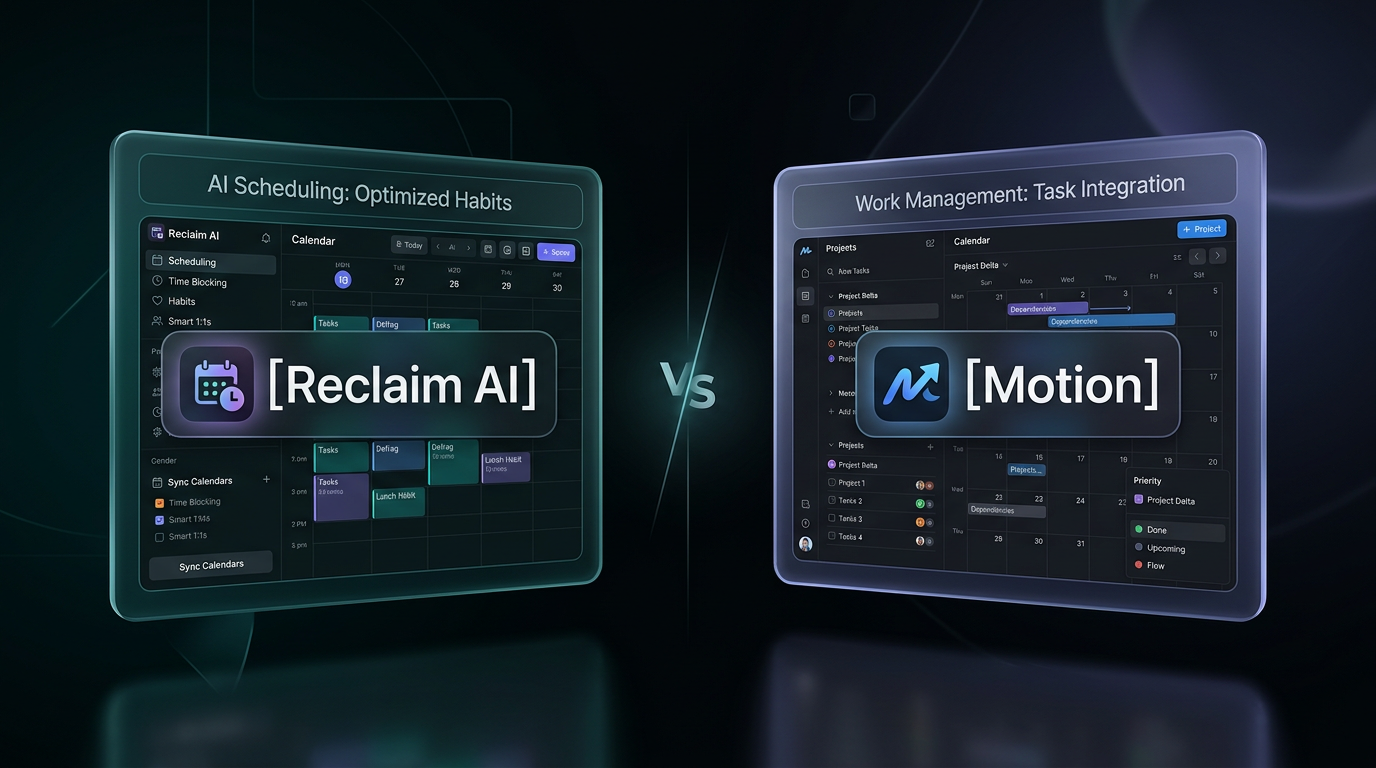
At their heart, Reclaim and Motion operate on two distinct philosophies about what a calendar is for. One sees it as a flexible container for your habits and meetings, while the other sees it as a rigid project plan for your life.
Reclaim’s gentle suggestions
Reclaim tries to be a polite collaborator. Its main function is to find and defend time for your habits, tasks, and important meetings. You tell it you want to meditate for 15 minutes every morning or need to review a proposal this week, and it scans your calendar for the best open slots.
It’s a "soft-block" approach. The time is reserved, but it remains flexible, shifting automatically if a more urgent meeting comes up. Reclaim works best as a background utility, subtly nudging your schedule toward your stated priorities without taking complete control. It's a layer of intelligence, not a complete takeover.
Motion’s aggressive planning
Motion, on the other hand, is a project manager that happens to live in your calendar. You feed it a list of tasks with deadlines and estimated durations, and it time-blocks your entire schedule from now until the end of time. It’s an aggressive, "hard-block" approach designed to turn your to-do list into an executable plan.
This makes it highly opinionated. Motion wants to be the single source of truth for what you should be working on at any given moment. It’s less of an assistant and more of a digital chief of staff, one that requires you to adopt its specific methodology for managing work.
What is the user experience?
How a tool feels day-to-day matters more than its feature list. One feels like a helpful background process; the other feels like a new boss.
Living with Reclaim is fairly low-friction. After setup, it mostly runs itself. The Reclaim AI reviews you’ll find online often praise this passive quality. It syncs tasks from your project management tool, defends your lunch break, and helps you find time for 1:1s. But its impact can also feel muted. Because it’s so flexible, it’s easy to ignore its suggestions or let your calendar revert to chaos. It makes life a bit better, but rarely transforms it.
Living with Motion is an active, often demanding relationship. The moment you open your calendar, you’re greeted by a wall of colored blocks—your entire day, precisely scheduled. For some, this is a dream. For others, it’s a source of immense anxiety. The constant reshuffling and the need to meticulously manage your task list within Motion's ecosystem can feel like a job in itself.
An AI assistant shouldn't feel like a second boss.
The app’s interface is dense, packed with project management features that demand your attention. If a task takes longer than planned, you have to tell Motion. If your priorities change, you have to go back and reorganize its plan. The promise of automation is quickly replaced by the reality of constant manual adjustment.
The Reclaim vs Motion feature breakdown
While they both aim to schedule your time, their feature sets reveal their different priorities. The motion vs reclaim choice depends entirely on whether you need a smart calendar buffer or a full-blown task management system.
Task and project management
This is the biggest point of divergence. Motion is a self-contained project and task manager. It’s designed to replace tools like Asana, Monday, or Trello for individuals and small teams. Its key selling point is that its scheduling AI is deeply integrated with its own task management system.
Reclaim takes the opposite approach. It assumes you already have a task manager you like and instead focuses on integrating with it. It can pull tasks from Asana, Jira, Todoist, and ClickUp, then place them on your calendar.
- Motion: Built for people who want their tasks and calendar in one place, and are willing to migrate their entire workflow into a new system. It includes features for project timelines and dependencies.
- Reclaim: Built for people who want to augment their existing tools. It adds a scheduling layer to your current task manager, rather than forcing you to switch.
One isn't inherently better, but one is certainly more disruptive. Motion demands you go all-in; Reclaim just asks to connect to your existing stack.
Habits and recurring needs
Reclaim was built with habits in mind. Its "Habits" feature is a core part of the product, allowing you to define recurring personal and professional goals—like "Code Review," "Lunch," or "Go for a walk"—and have Reclaim automatically defend that time.
Motion can handle recurring tasks, but it's not the same. Its focus is on finite tasks with deadlines. The system is geared toward completing projects, not maintaining routines. For non-negotiable personal time, Reclaim’s approach feels more natural and less rigid.
The real problem these tools don't solve
The debate over time-blocking AI misses the point. The problem was never just about finding an empty slot on the calendar.
The real bottleneck is the cognitive overhead of managing the work itself. Both Reclaim and Motion require you to be an excellent project manager. You must diligently break down projects into tasks, accurately estimate their duration, and constantly update their status. If you feed the AI messy, poorly defined inputs, you will get a messy, useless schedule.
They are sophisticated rule engines that require a human operator.
These tools don’t reduce the work of managing work. They just give you a new, algorithm-driven interface for doing it. You’re still the one defining every task, setting every priority, and correcting the plan when reality inevitably interferes. They've automated the Tetris-like-act of slotting blocks into your week, but you're still the one carving the blocks.
Let's talk about pricing
Cost is always a factor, and the pricing models here reflect the different ambitions of each product. One is an accessible utility; the other is a premium, all-in-one platform.
When you look at motion ai pricing versus Reclaim's, the contrast is stark.
- Reclaim's Free Tier: Reclaim offers a surprisingly capable free version that's perfect for individuals who want basic habit and task scheduling. It’s a great way to experience the core value without commitment.
- Reclaim's Paid Tiers: For more advanced features like team scheduling and more integrations, paid plans are very reasonably priced, starting around $8 per user per month.
- Motion's Trial: Motion does not have a free tier. It offers a 7-day free trial, which forces a quick decision on whether its opinionated system is right for you.
- Motion's Paid Tier: After the trial, Motion is significantly more expensive, with its individual plan starting around $19 per user per month when billed annually. It’s priced as a replacement for multiple tools, and that's reflected in the cost.
Motion is asking for a much larger investment of both money and workflow commitment. Reclaim lets you dip a toe in the water and build up from there.
The verdict on Reclaim vs Motion
So, which is better?
Reclaim is a smart, relatively unobtrusive calendar assistant. It’s at its best when connecting to your existing tools and defending time for your established routines. It's an upgrade to your calendar.
Motion is an opinionated project management system that uses your calendar as its primary interface. It’s for people who want to burn their old to-do list app to the ground and manage their entire life from a single, algorithmically-scheduled dashboard. It's a replacement for your workflow.
Neither is a bad tool. They are just solutions to a very specific, and ultimately superficial, problem: organizing tasks that you still have to define, manage, and execute yourself. The Reclaim vs Motion comparison is a choice between two different flavors of manual overhead. They don't reduce your workload; they just give you a more complex way to visualize it.
The debate between these tools misses the point. The goal isn't a better-organized calendar of things you still have to do yourself. It's about getting things handled. If you’re ready to stop managing your manager, try Aware free — see what 'handled' actually feels like.